Framer Commerce Partner

Launch a Framer Shopify store,

without custom builds

Ready-to-launch Framer eCommerce templates for Shopify, fully integrated through Framer Commerce. Launch in days, skip costly builds, and focus on growing your store.
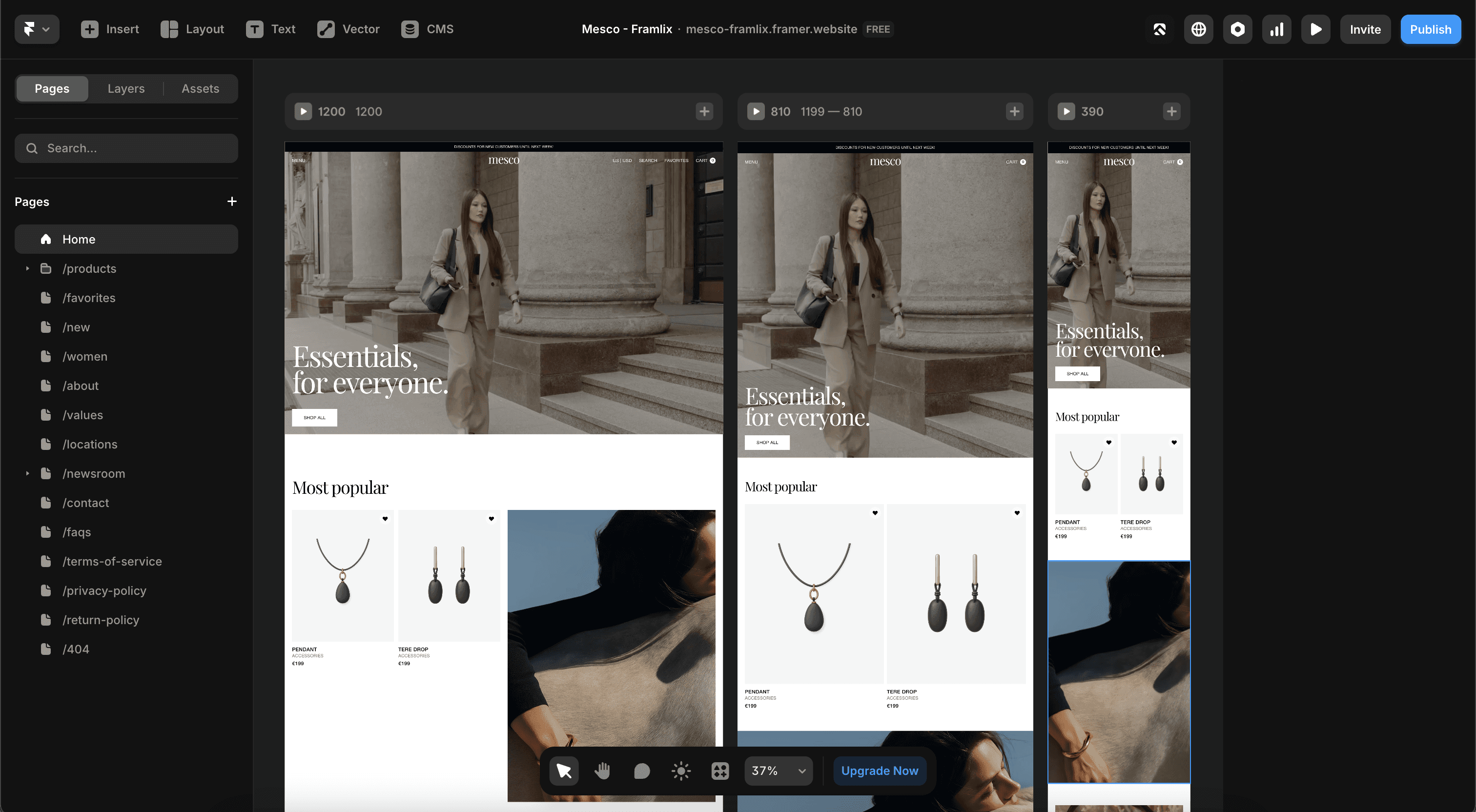
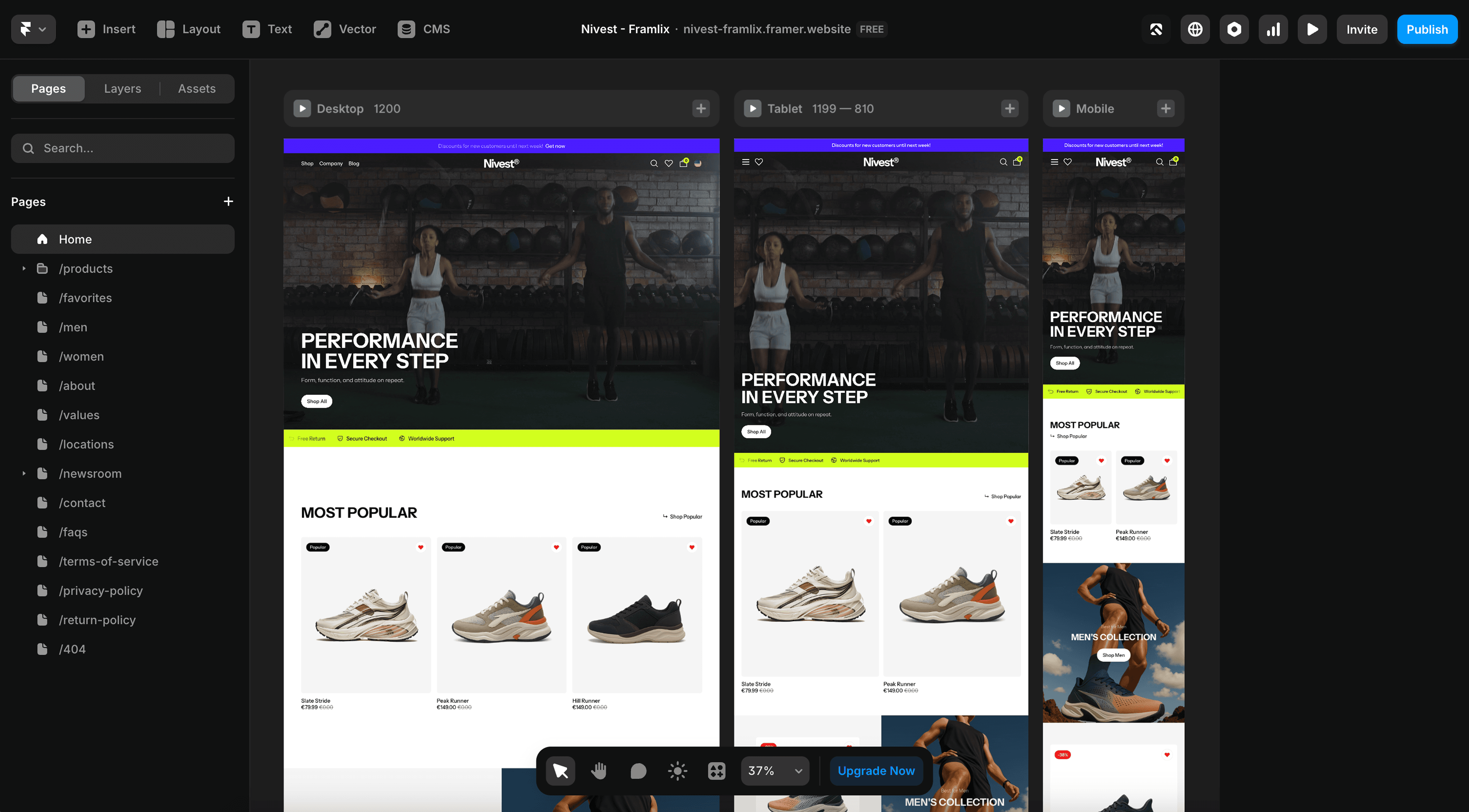
Framer editor showing responsive Framer eCommerce template pages, CMS collections, and modular Shopify storefront sections.
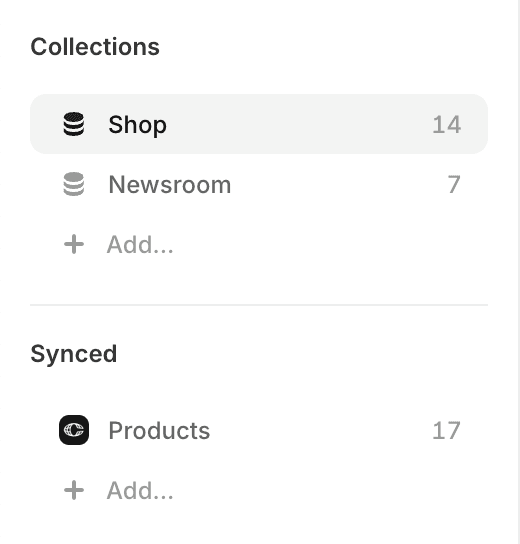
Framer CMS panel with Shopify product and content collections used for a dynamic Framer Commerce storefront.
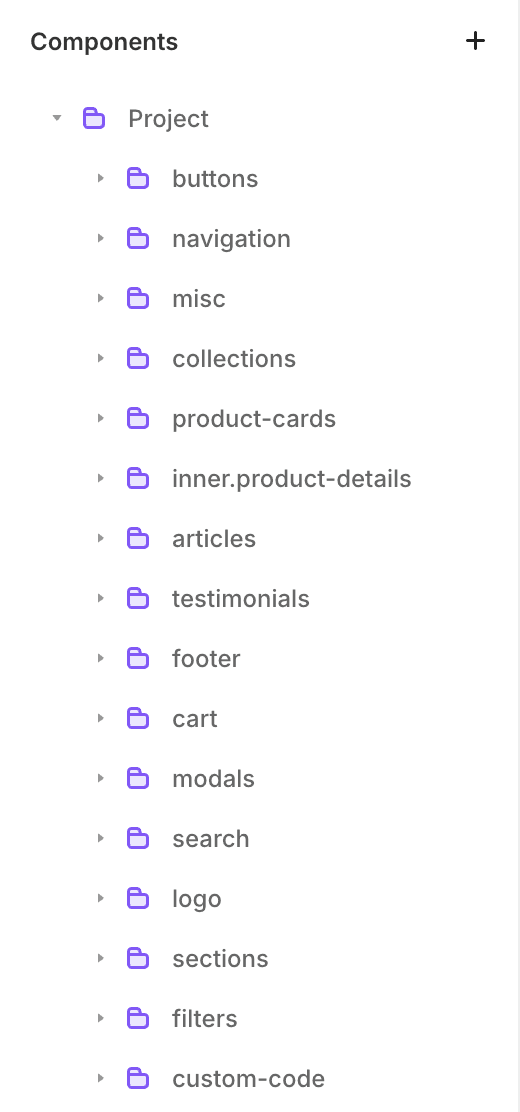
Organized Framer component structure for product cards, cart, navigation, filters, and reusable eCommerce sections.

The Framlix solution

Launch a Framer Shopify store with ease

  1. Start with a Framer eCommerce template designed for real product brands, not placeholder demo stores.

  2. Connect Shopify products, cart behavior, and checkout through Framer Commerce.

  3. Skip developer handoffs and launch a polished Shopify storefront faster.
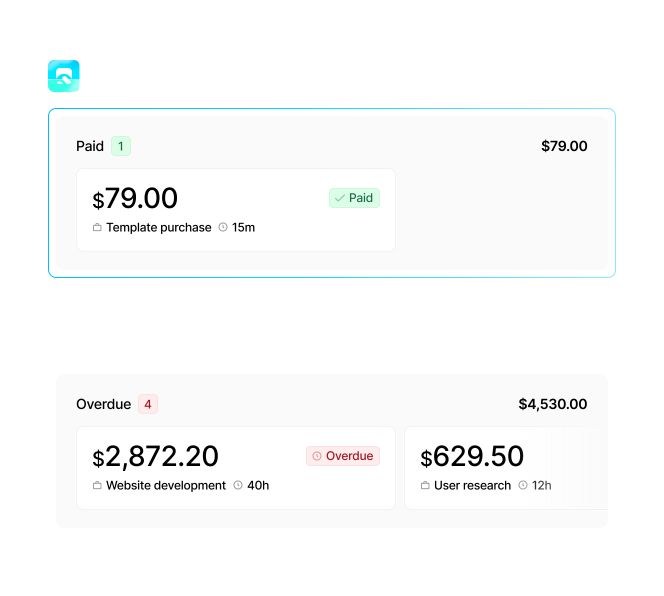
Cost comparison graphic showing a Framlix Framer Commerce template as a faster alternative to expensive custom Shopify development.

Save thousands upfront

Premium Framer templates without agency pricing

Get a Shopify storefront that feels custom-built while staying editable in Framer.

  1. One clear price, no hidden fees

  2. One clear price, no hidden fees

  3. Built by designers, ready to go

  4. Built by designers, ready to go

  5. No long contracts or hourly rates

  6. No long contracts or hourly rates

Edit without developers

No-code Framer customization for Shopify stores

Unlike rigid Shopify themes, Framer Commerce templates let you edit sections, visuals, and page structure directly in Framer’s visual editor.

Stay ahead with templates built to adapt. From Shopify to the latest marketing tools, your shop connects seamlessly to evolving platforms.

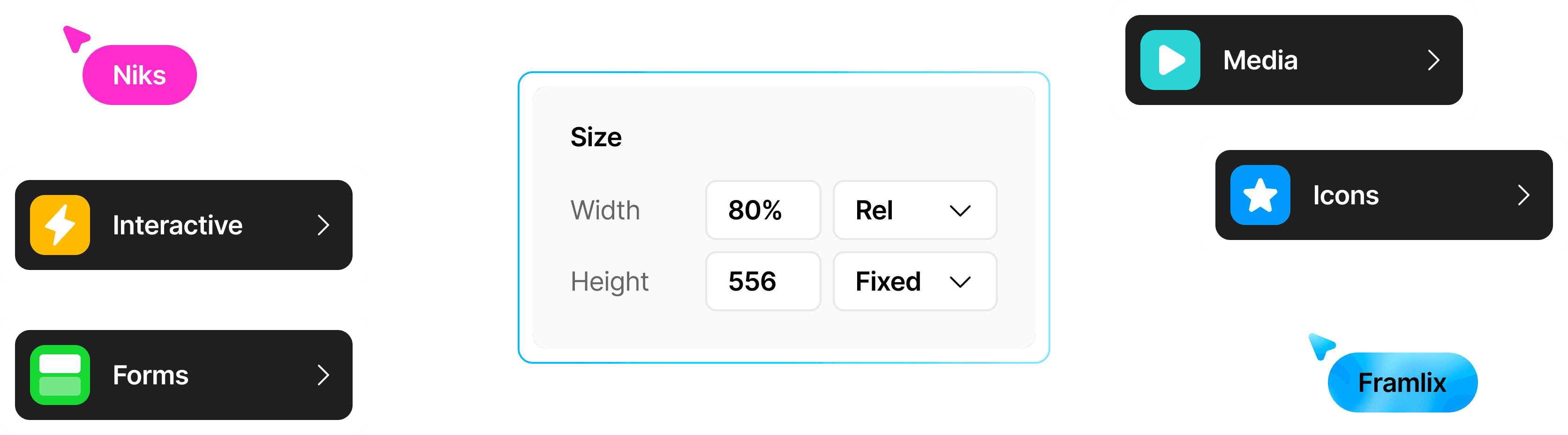
Framer design system component controls for interactive elements, media, and forms in an editable eCommerce template.

Look like a top brand

Framer templates that outperform generic themes

Your Shopify store should feel distinctive, fast, and trustworthy—not like another reused theme.

  1. Clean, conversion-focused layouts

  2. Clean, conversion-focused layouts

  3. Built for modern eCommerce brands

  4. Built for modern eCommerce brands

  5. Optimized for performance and trust

  6. Optimized for performance and trust

Editorial lifestyle image supporting a premium Framer eCommerce template section for Shopify storefront design.
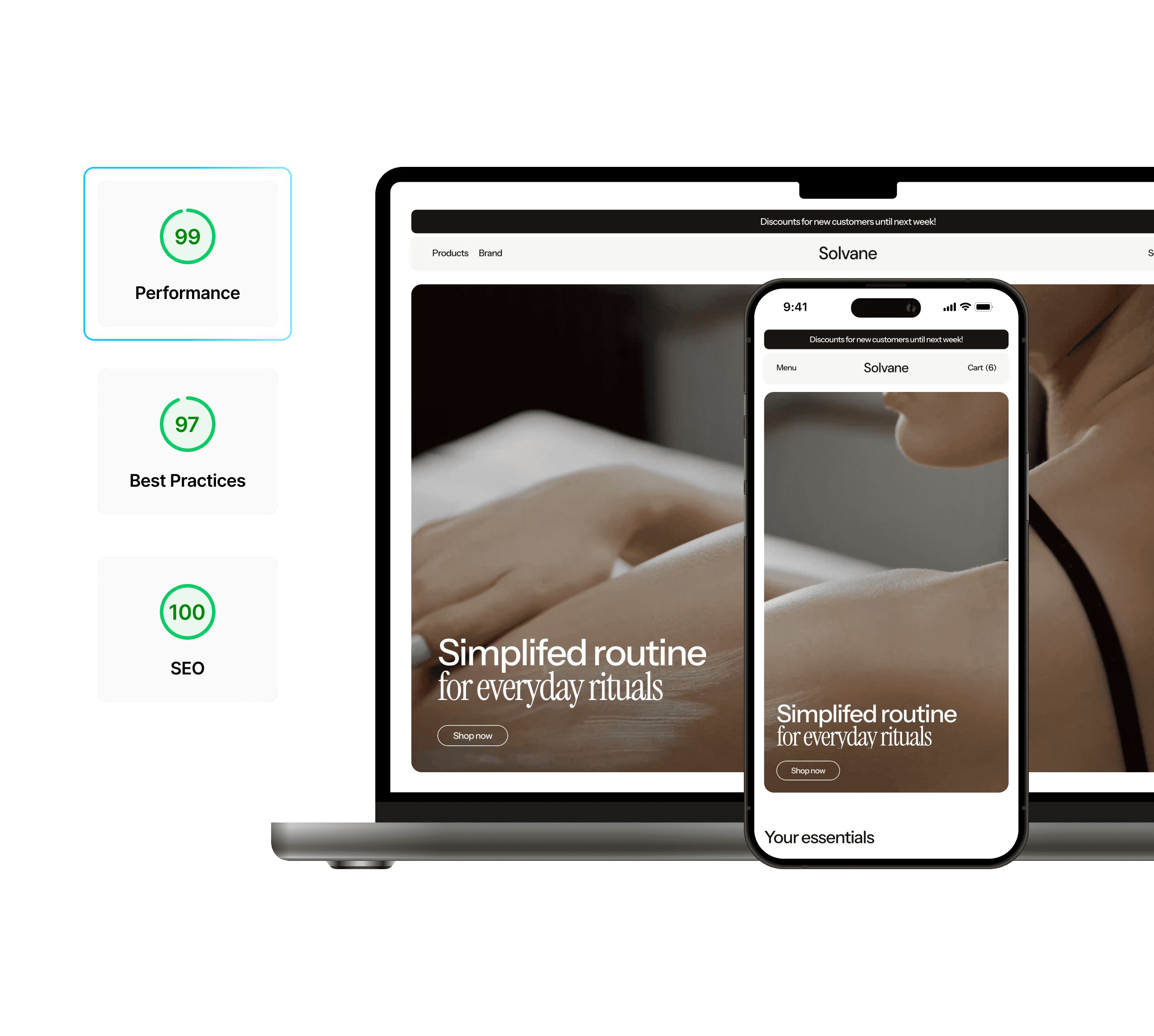
Framer eCommerce template performance report showing strong SEO and speed scores for a Shopify-ready storefront.

Framer Commerce features, zero hassle

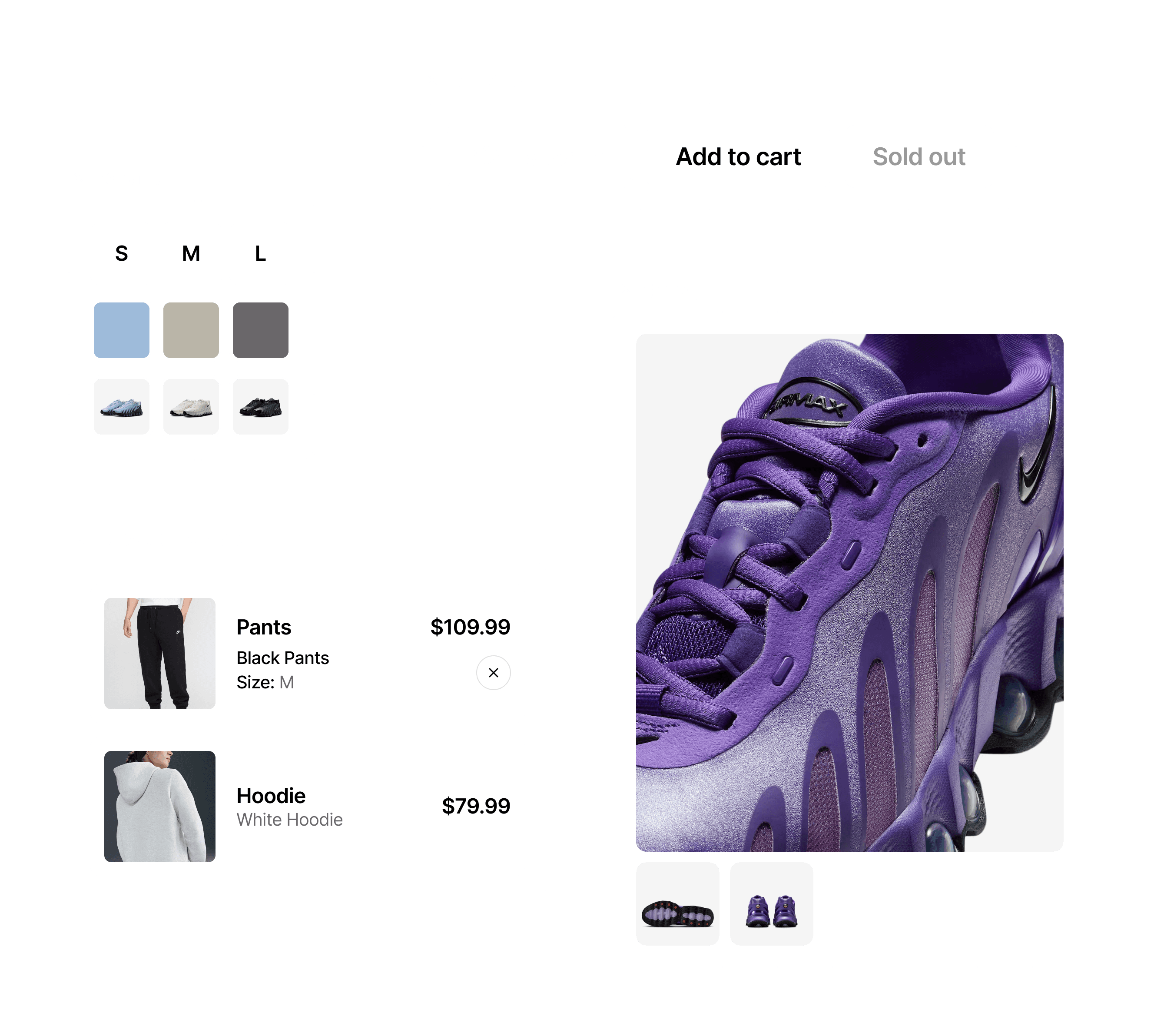
Framer Commerce product-page components with variant selectors, image gallery, and add-to-cart interaction.

Design every step of the Shopify buying journey

Give shoppers a branded path from product discovery to Shopify checkout.

Editorial product lifestyle image used to show premium visual direction for Framer Shopify storefront templates.

John Merkus

Founder of Nivara Studio

“Every detail feels designed for our brand. The store is smoother, faster, and customers are buying more.”

Shopify product flows

Shopify product flows

Design product variants, pricing, inventory states, and product-page layouts in Framer while Shopify stays the commerce backend.

Dynamic storefront experience

Dynamic storefront experience

Product galleries, modals, and buying controls respond to shopper choices without forcing a generic Shopify theme layout.

Conversion-focused checkout tools

Conversion-focused checkout tools

Use quick-adds, cart incentives, subscriptions, and quantity controls built for Framer Shopify storefronts.

Turn browsing into buying

Help shoppers find the right products with Framer Commerce search, filters, and category-driven layouts.

Premium lifestyle commerce image supporting Framer eCommerce template storytelling for Shopify brands.

Sarah Klein

Co-Founder of Lumea Studio

“Customers can find what they need so much faster now. Our bounce rate dropped, and sales went up.”
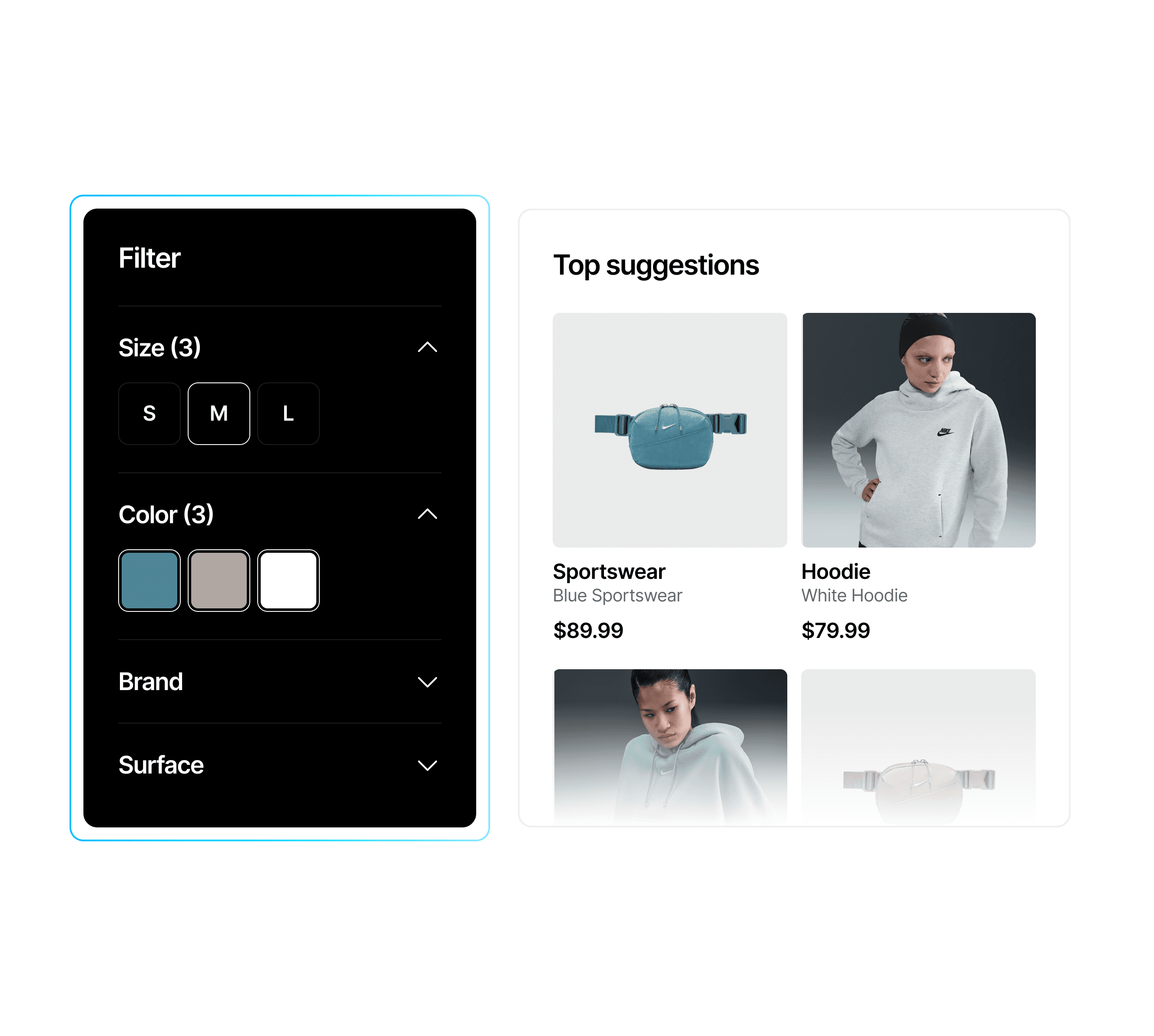
Dynamic eCommerce product filtering panel for a Framer Shopify storefront, with size, color, and brand filters.

Store discovery tools

Store discovery tools

Live filters, search modals, and sort controls can connect to Shopify product data through Framer Commerce.

Wishlist and favorites

Wishlist and favorites

Let shoppers save products and return to them later, improving product discovery and repeat visits.

Editable storefront UI

Editable storefront UI

Customize modals, search panels, filters, and product cards directly in Framer.

Built to boost revenue

Framlix powers brands

that turn visits into sales

  1. Up to 30% higher sales after launch

    Up to 30% higher sales after launch

    Up to 30% higher sales after launch

  2. Conversion-focused designs

    Conversion-focused designs

    Conversion-focused designs

  3. Trusted by fast-growing brands

    Trusted by fast-growing brands

    Trusted by fast-growing brands

Decorative gradient accent for a Framer Commerce feature section about revenue and conversion growth.
Smiling customer portrait representing a founder using Framlix Framer eCommerce templates for a Shopify store.
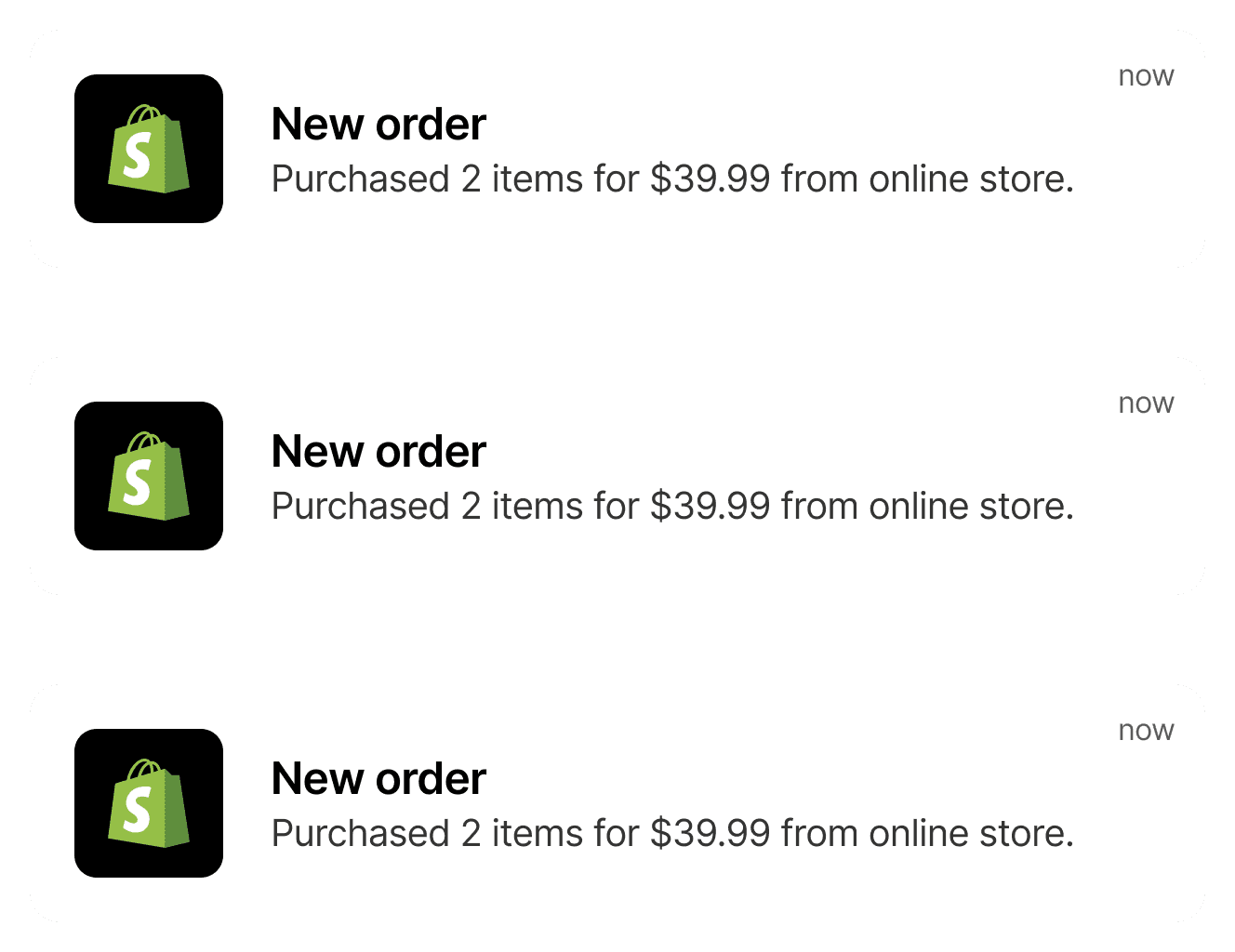
Shopify order notifications showing successful sales from a Framer Commerce-powered storefront.

Global markets

Sell on global markets

Easily adapt your store for multiple regions with local pricing, currencies, and language support—helping you reach new audiences and boost conversions.
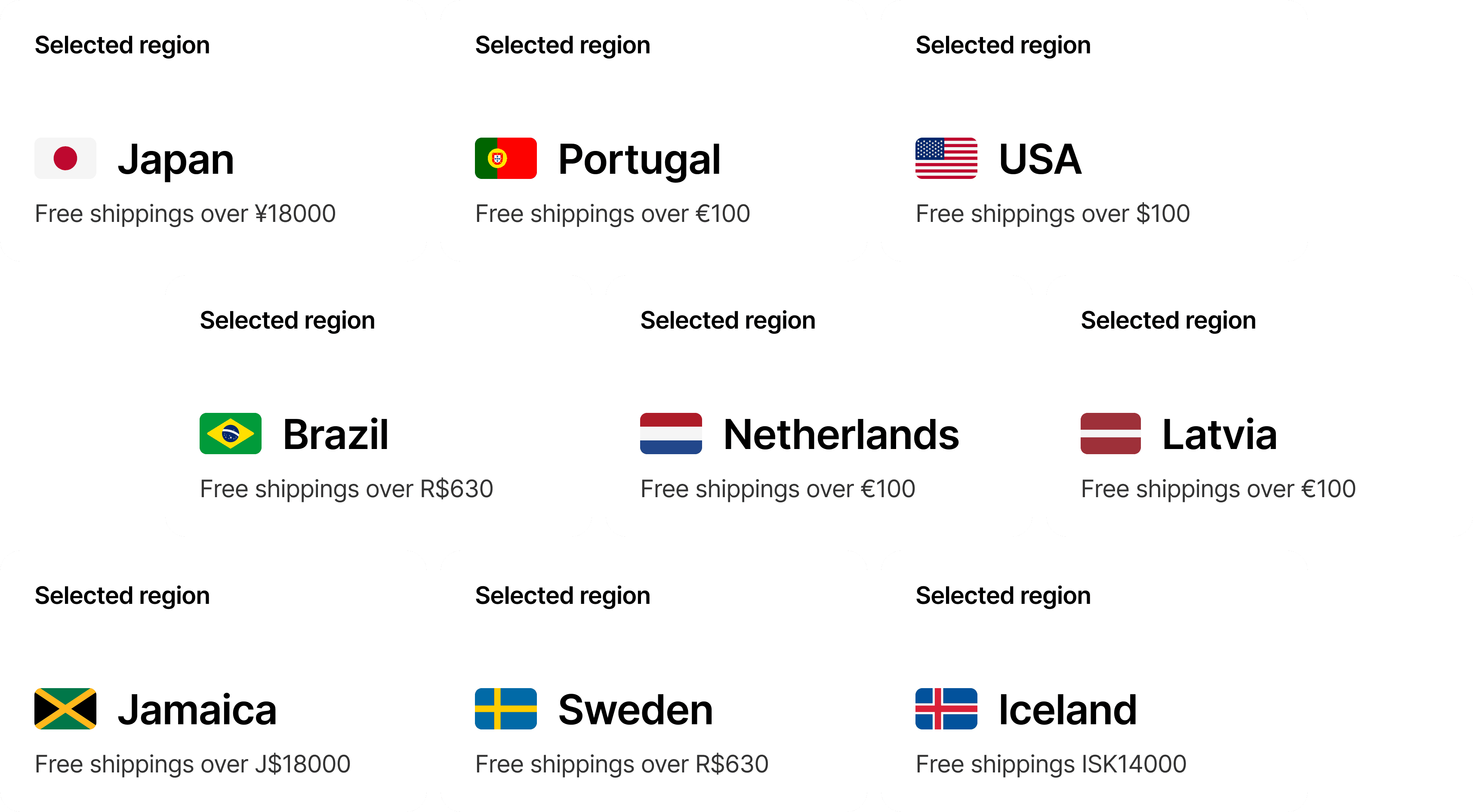
International shipping and regional settings panel for a global Framer Shopify storefront.
Decorative gradient accent supporting Framer eCommerce growth and Shopify conversion content.
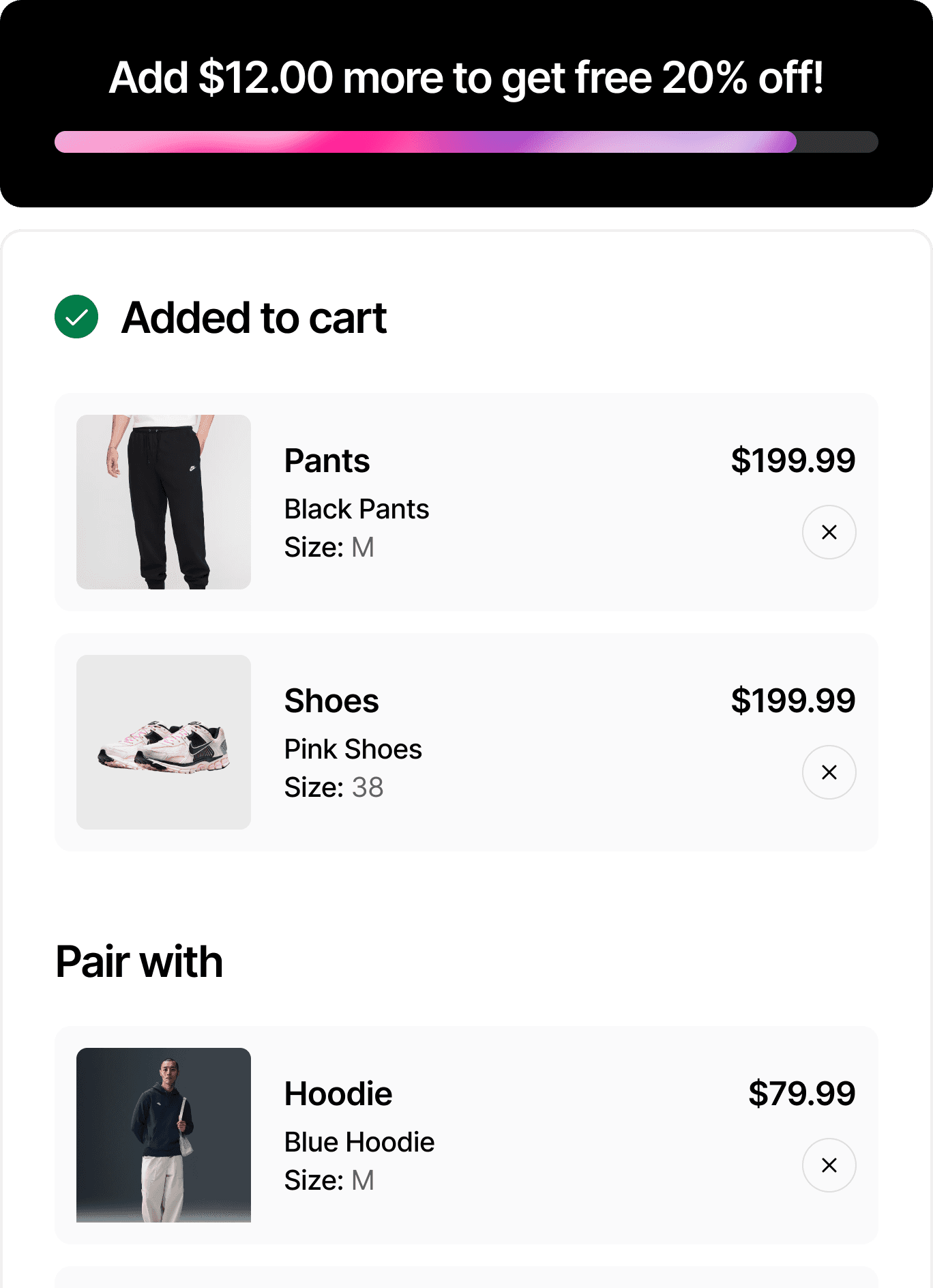
Framer Commerce shopping cart with discount incentives, product upsells, and item summary for conversion optimization.

Revenue increase

Increase cart spend

Use smart upsells, cross-sells, and data-driven recommendations to guide customers toward higher-value purchases and grow your average order size.

Launch a Shopify store in three simple steps

Launch a Shopify store in three simple steps

Choose a Framer Commerce template, customize it in Framer, then connect Shopify and publish.

Choose a Framer Commerce template, customize it in Framer, then connect Shopify and publish.

Choose a Framer template

Pick a Shopify-ready Framer storefront.

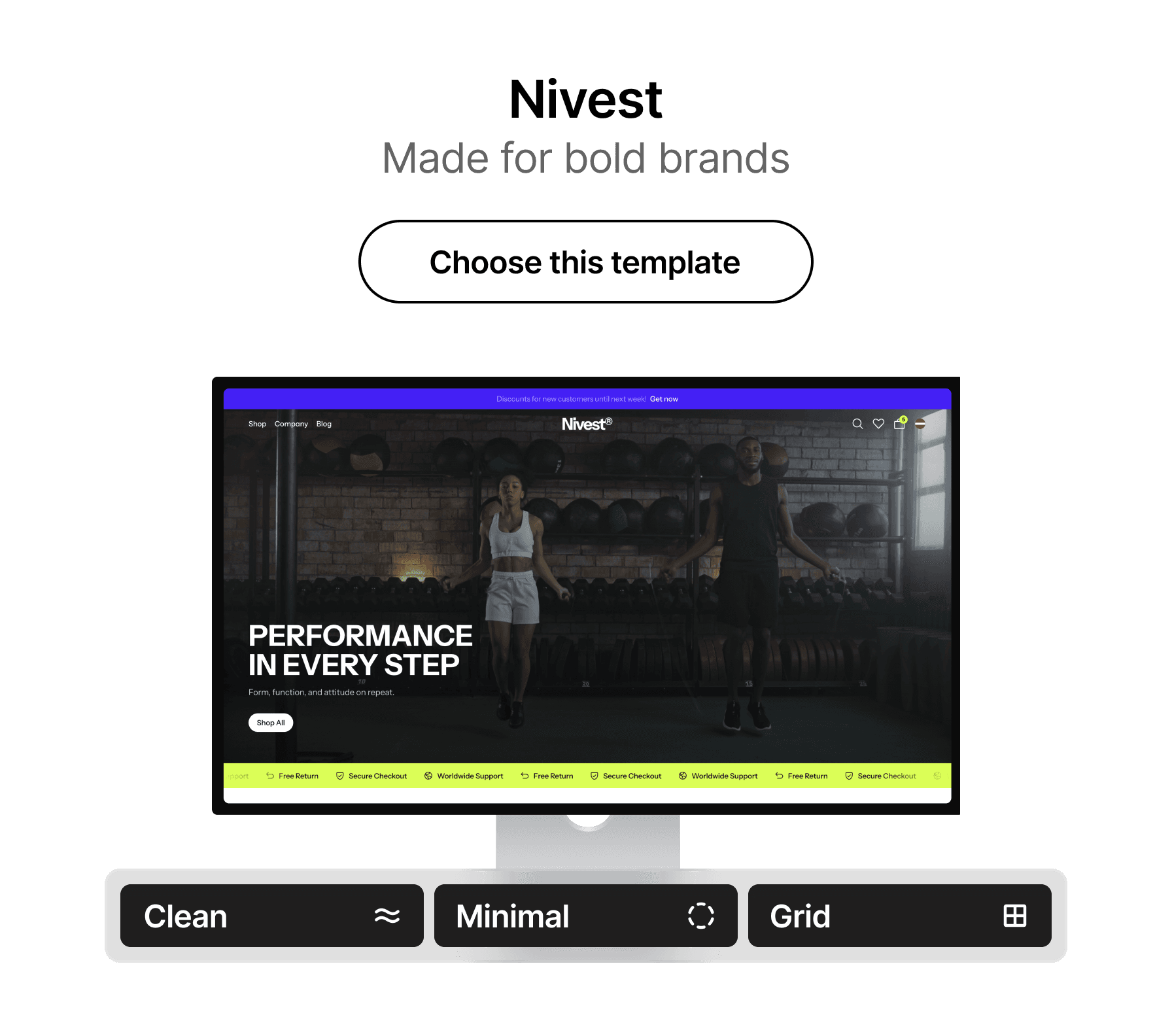
Nivest Framer eCommerce template preview showing a clean Shopify-ready storefront layout.

Customize in Framer

Edit content and branding without theme code.

Editorial fashion image for a premium Framer Shopify storefront template with high-end product storytelling.
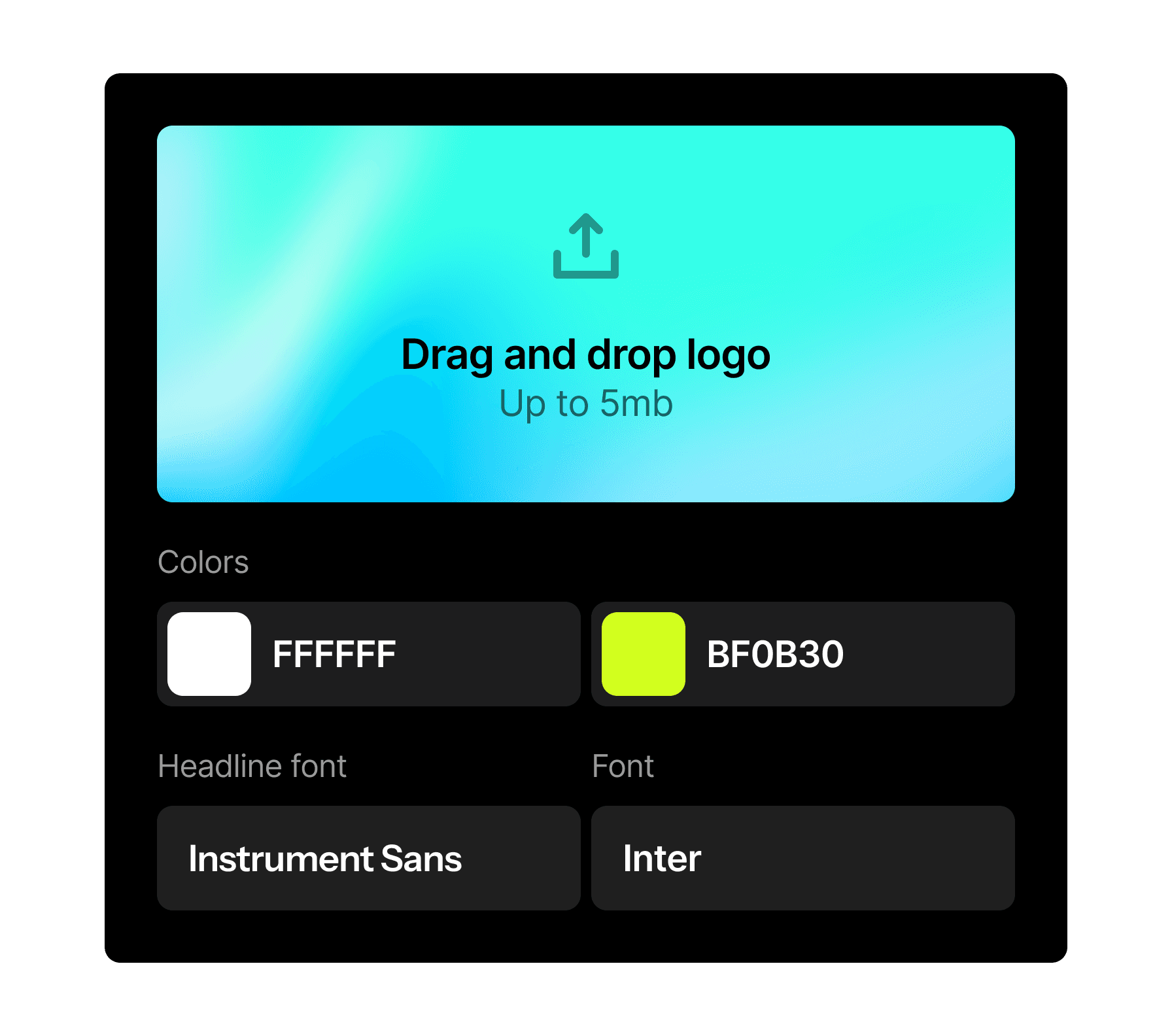
Framer no-code customization panel for changing template branding, colors, fonts, and store logo.

Connect Shopify and publish

Connect Framer Commerce and publish.

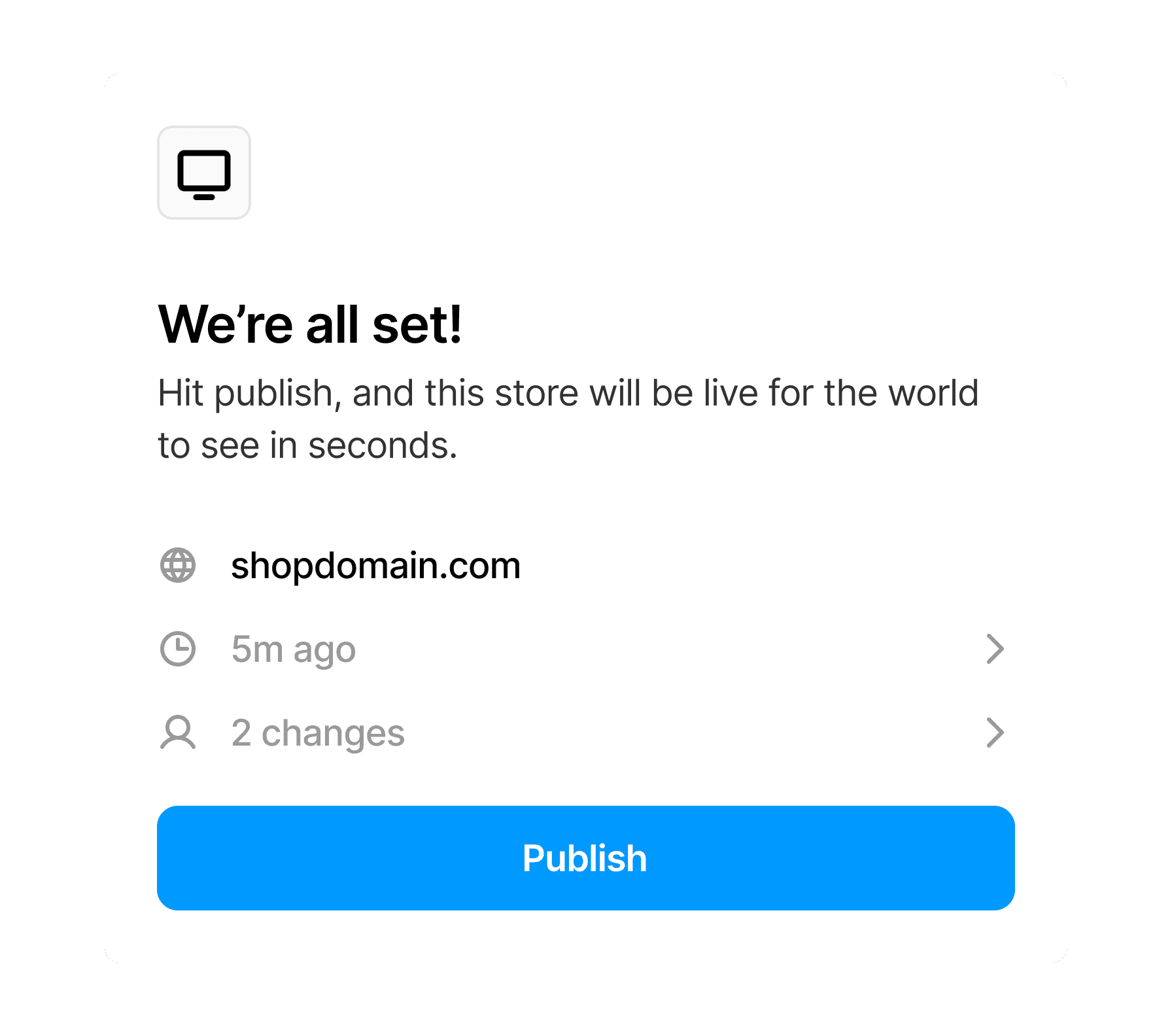
Framer publishing interface showing fast deployment for a Shopify-ready eCommerce template.
Nivest Framer eCommerce template preview used in the mobile how-it-works section.

Choose template

Start with a professionally designed layout as your foundation.
Editorial fashion storefront image for a mobile Framer eCommerce template customization step.
Framer branding customization screen for a mobile Shopify storefront template workflow.

Customize it

Add your own text, images, and branding in just a few steps.
Framer publish screen illustrating the final launch step for a Shopify-ready template.

Go live

Review, adjust, and go live at your own pace.

You're set

Share your Framer Shopify store with the world

Framer editor showing Nivest template responsive breakpoints across desktop, tablet, and mobile storefront layouts.
Framer CMS collections panel for dynamic Shopify product and newsroom content in a Framer storefront.
Framer layer organization for product cards, navigation, collections, and cart components in an eCommerce template.

Your stack

Launch faster with the modern Framer Shopify stack

Use Shopify for commerce, Framer for design, and Framer Commerce to connect them.

Shopify

From $5

  1. Manage products, inventory, orders, and customers in Shopify.

  2. Use Shopify Checkout

  3. Host Customer Accounts

Framer

From $0

Design in the visual editor

Collaborate with your team

Host a fast, headless Shopify storefront designed in Framer.

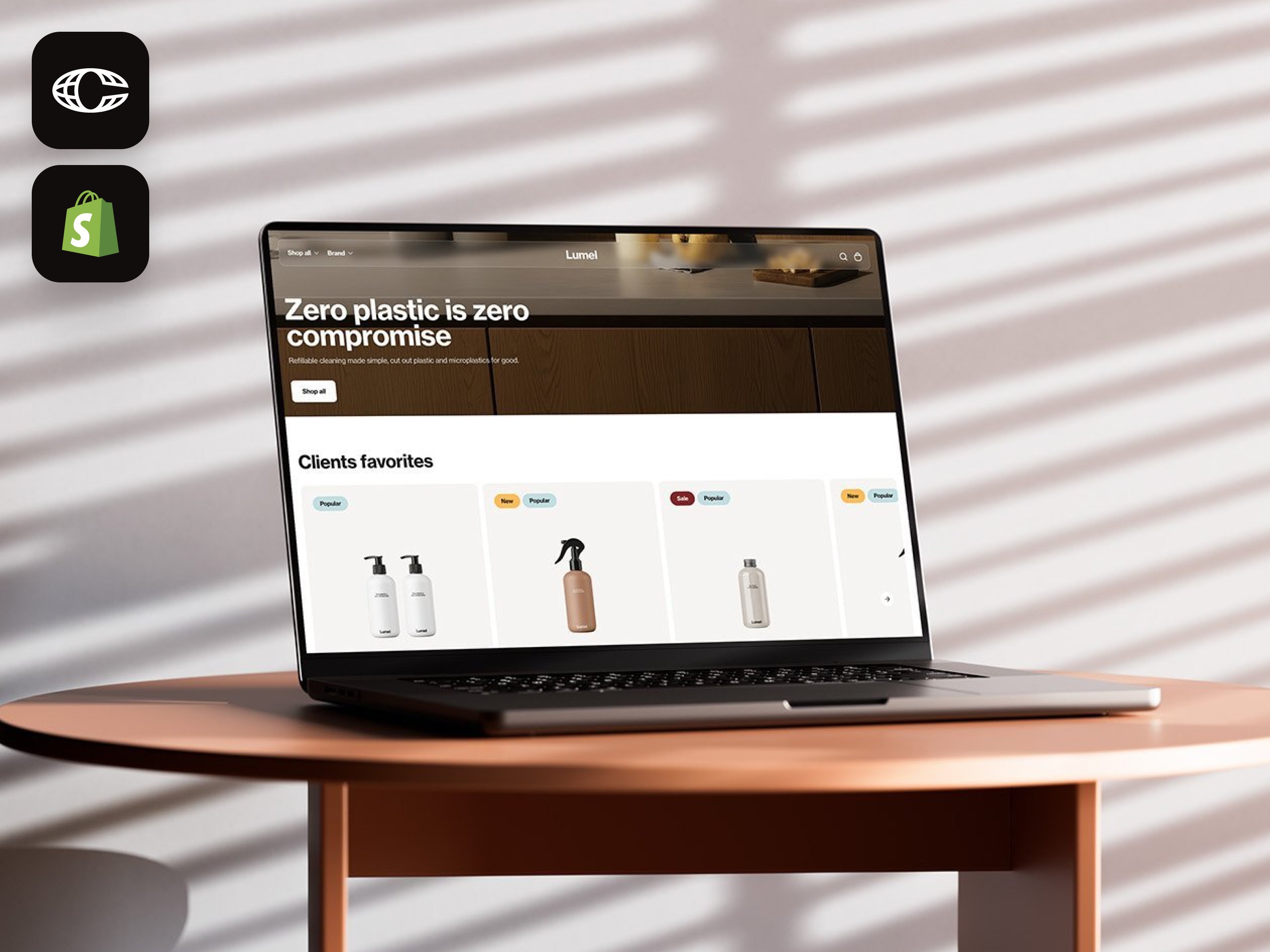
Framlix template preview graphic highlighting Framer Commerce and Shopify storefront design.

Framer Commerce

From $12

  1. Sync Shopify products into Framer pages and components.

  2. Build product pages, carts, filters, and storefront UI with 40+ commerce components.

  3. Reduce dependence on extra Shopify theme apps and developer workarounds.

Founders building

beautiful online stores

"Launching with a Framlix template saved me months of work. My store looks custom-built, runs smoothly with Shopify, and was live in days."

Editorial fashion portrait used to represent premium design quality in Framer eCommerce templates.

Laura Bennett

Founder of Willow & Co.

Frequently asked questions

Still have questions about Framer Commerce, Shopify setup, or choosing a template? Chat with us or email hello@framlix.com.

  1. What is Framlix?

  2. What is Framlix?

  3. How is this different from a regular Shopify theme?

  4. How is this different from a regular Shopify theme?

  5. Do I need coding skills?

  6. Do I need coding skills?

  7. What tools will I need?

  8. What tools will I need?

  9. What is Framer Commerce?

  10. What is Framer Commerce?

  11. How much does a template cost?

  12. How much does a template cost?

  13. How long does it take to launch?

  14. How long does it take to launch?

  15. Will my store be fast and SEO-friendly?

  16. Will my store be fast and SEO-friendly?

  17. What eCommerce features are included?

  18. What eCommerce features are included?

  19. Do you offer refunds?

  20. Do you offer refunds?